 -35%
-35%
Description
Sngine One-Click Backup & Restore
Protect Your Sngine Website with One Click
Keep your Sngine website safe with this free Backup & Restore Tool. Create a complete backup of your website files and database with just one click, and restore your website whenever you need it.
Whether you're updating Sngine, installing a new plugin or theme, making major changes, or simply want an extra safety copy, this tool gives you a simple way to create and manage your backups.
🚀 Key Features
- One-Click Full Backup — Create a complete snapshot of your Sngine website.
- Database Backup — Automatically backs up your Sngine MySQL database, including tables and data.
- Complete File Backup — Packages your Sngine website files into a ZIP archive.
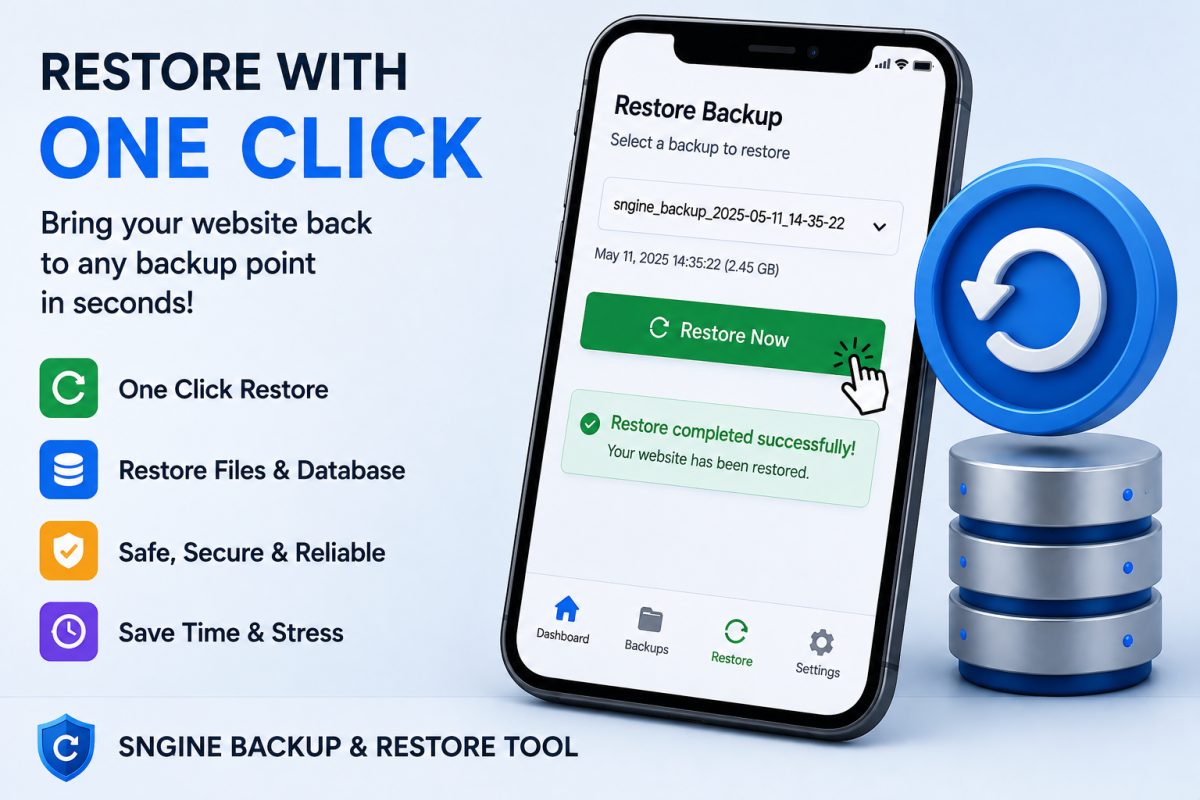
- One-Click Restore — Restore a previously created backup directly from the backup panel.
- Multiple Backups — Keep multiple backup points for different dates and changes.
- Backup Information — View the backup date, size, files, and database status.
- Easy Backup Management — Delete old backups whenever you no longer need them.
- Automatic Database Detection — The tool attempts to detect your Sngine database configuration automatically.
- Simple Web Interface — No complicated commands or technical backup process required.
- Completely Free — Provided free for the Sngine community.
📦 What Does It Backup?
Each backup contains:
Website Files
- Sngine core files
- Themes
- Plugins
- Uploaded website files
- Custom modifications
- Other files within your Sngine installation
Database
- Database structure
- Database tables
- Database records and content
The backup system stores the website files as a ZIP archive and the database as an SQL backup.
🔄 Easy Restore
Made a mistake during an update or customization?
Simply select one of your saved backups and click Restore.
The tool can restore the backed-up website files and database from the selected backup point. The restore process replaces the current website files with the backed-up version, so it can help you quickly return your Sngine installation to an earlier state.
🛡️ Before You Update Sngine
We strongly recommend creating a backup before:
- Installing a new plugin
- Updating a plugin
- Installing a new theme
- Updating your Sngine version
- Editing core files
- Making major database changes
- Testing custom modifications
- Moving or modifying your website
Create a backup first. Make your changes second.
If something goes wrong, you have a restore point available.
⚙️ Simple Installation
Installation is extremely simple:
- Upload
backup.phpto your Sngine root directory — the same folder whereindex.phpis located. - Open
backup.phpin your browser. - Enter the access password.
- Click Create Backup Now.
- Your website files and database will be backed up automatically.
- Manage or restore your saved backups from the same page.
The tool is designed to automatically locate the Sngine configuration file and detect the database connection details where possible.
⚠️ Important Security Notice
For security, remove backup.php from your server when you have finished using the tool, especially if you do not need ongoing access to the backup panel. The tool itself also displays this recommendation after login.
❤️ 100% Safe
This tool is provided completely for Sngine .
No subscription.
No monthly fee.
No hidden charges.
Just a simple backup and restore solution to help Sngine website owners protect their work.
Keep your website safe.
Backup before you change. Restore when you need it.
Updates
v1.0 — What's New (16/08/2026)
- Automatic license has been added. There is no need to contact us for approval
- Multi-platform support
- Clean admin panel
- Full documentation
- Lifetime updates
its very cheap and very usefull
No questions yet — ask the seller anything.